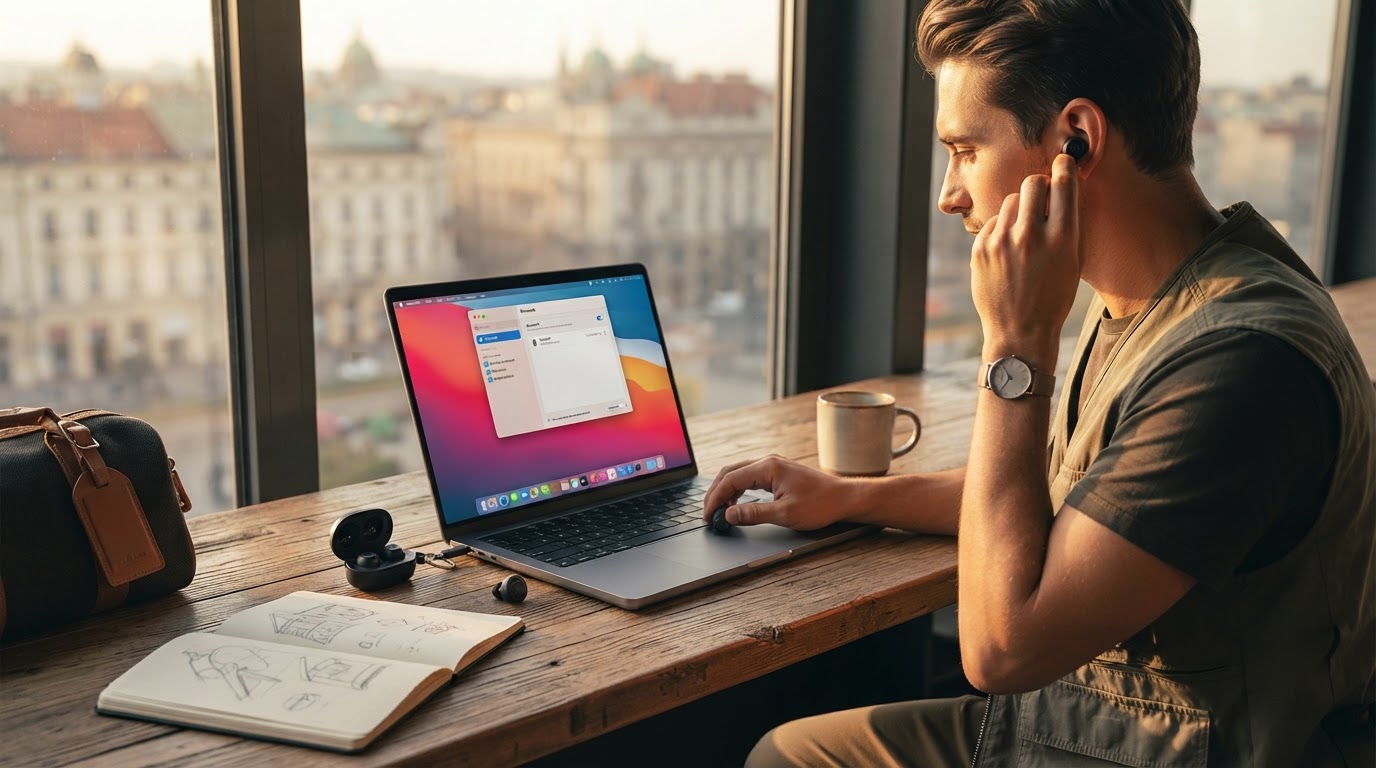
How to Set Up Dual Device Pairing for Travel Working
Step 1: Enable Bluetooth on Your Primary Device
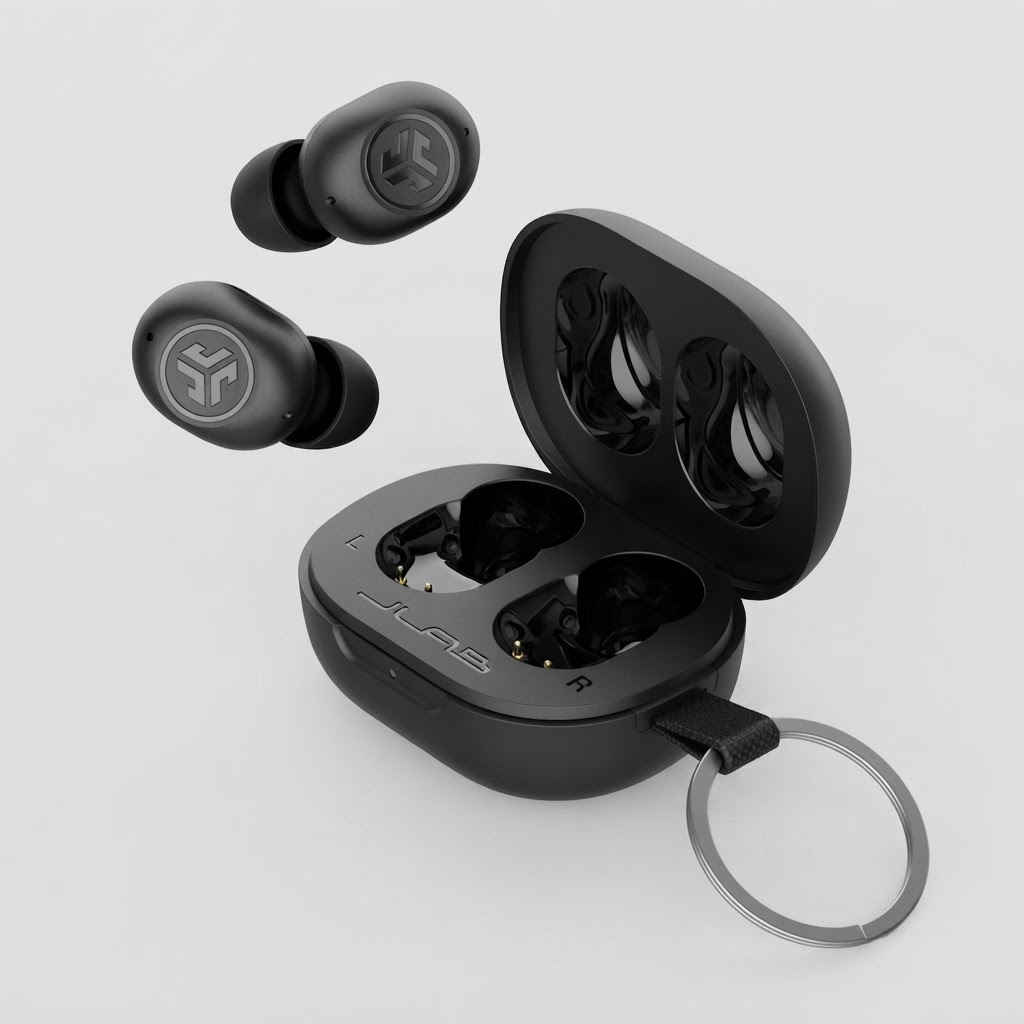
Turn on Bluetooth on your main computer or laptop. Take your Noxpods out of their 18.5g charging case. The earbuds will automatically enter pairing mode using Bluetooth 5.3 protocols.
Step 2: Activate Android Fast Pair or Standard Bluetooth
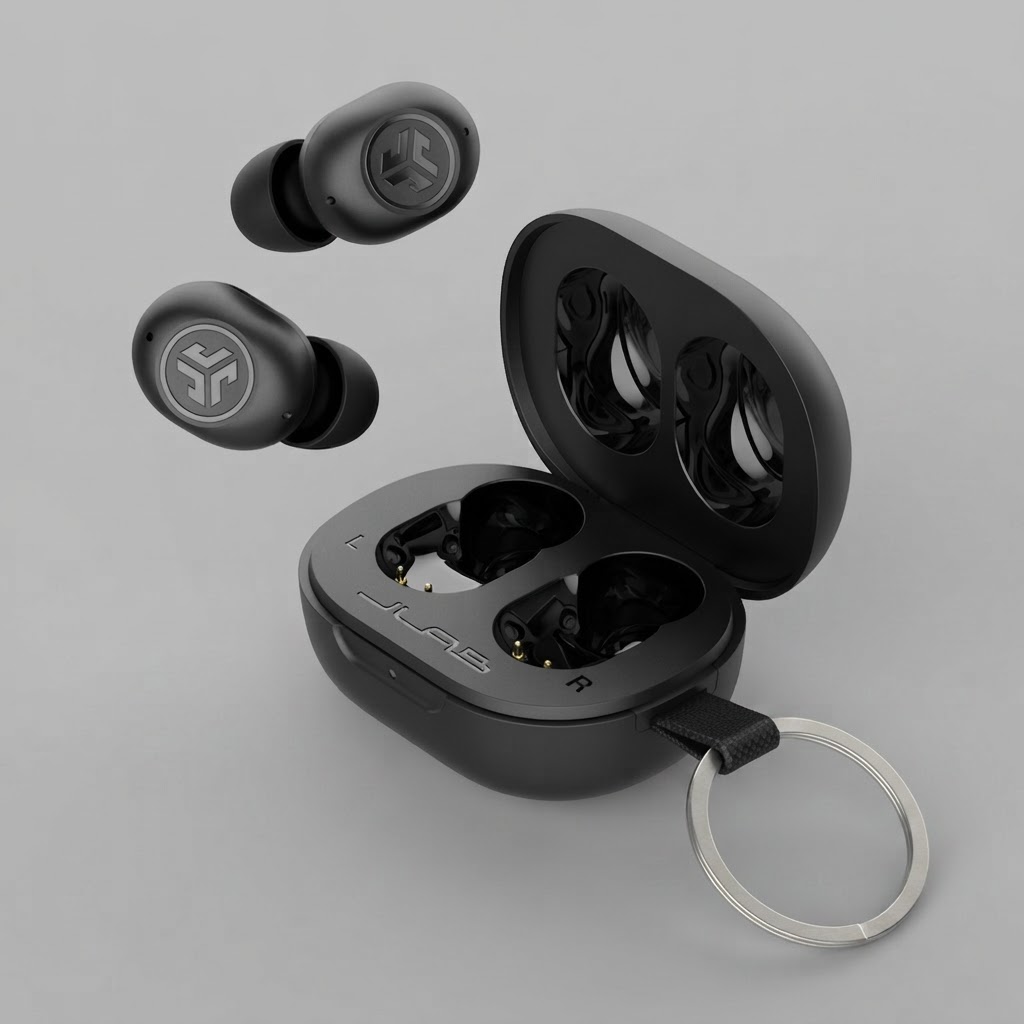
If you are using a supported Android device, a quick pop-up notification will appear automatically for effortless pairing. For other operating systems or iPhones, select the device name in your system Bluetooth menu to establish the initial connection across the 30+ feet range.
Step 3: Connect Your Secondary Device via Multipoint
To use Bluetooth Multipoint, enable Bluetooth on your second device (such as your smartphone). Connect to the earbuds while maintaining the original link with your laptop. This configuration allows you to stream media on your computer and automatically take incoming calls on your phone through the dual MEMS microphones.
Step 4: Manage Audio Connections in the JLab App
Open the JLab App on your phone to fine-tune your connection and adjust touch controls or EQ preferences (JLab Signature, Balanced, or Bass Boost). You can also toggle Be Aware mode to hear your environment at airport gates, or activate Safe Hearing limits to protect your hearing. As highlighted in [the main guide], configuring multi-device pairing ensures an efficient, hands-free workflow on the road.
Read the full guide: The Ultimate Guide to Light Travel Tech Gear